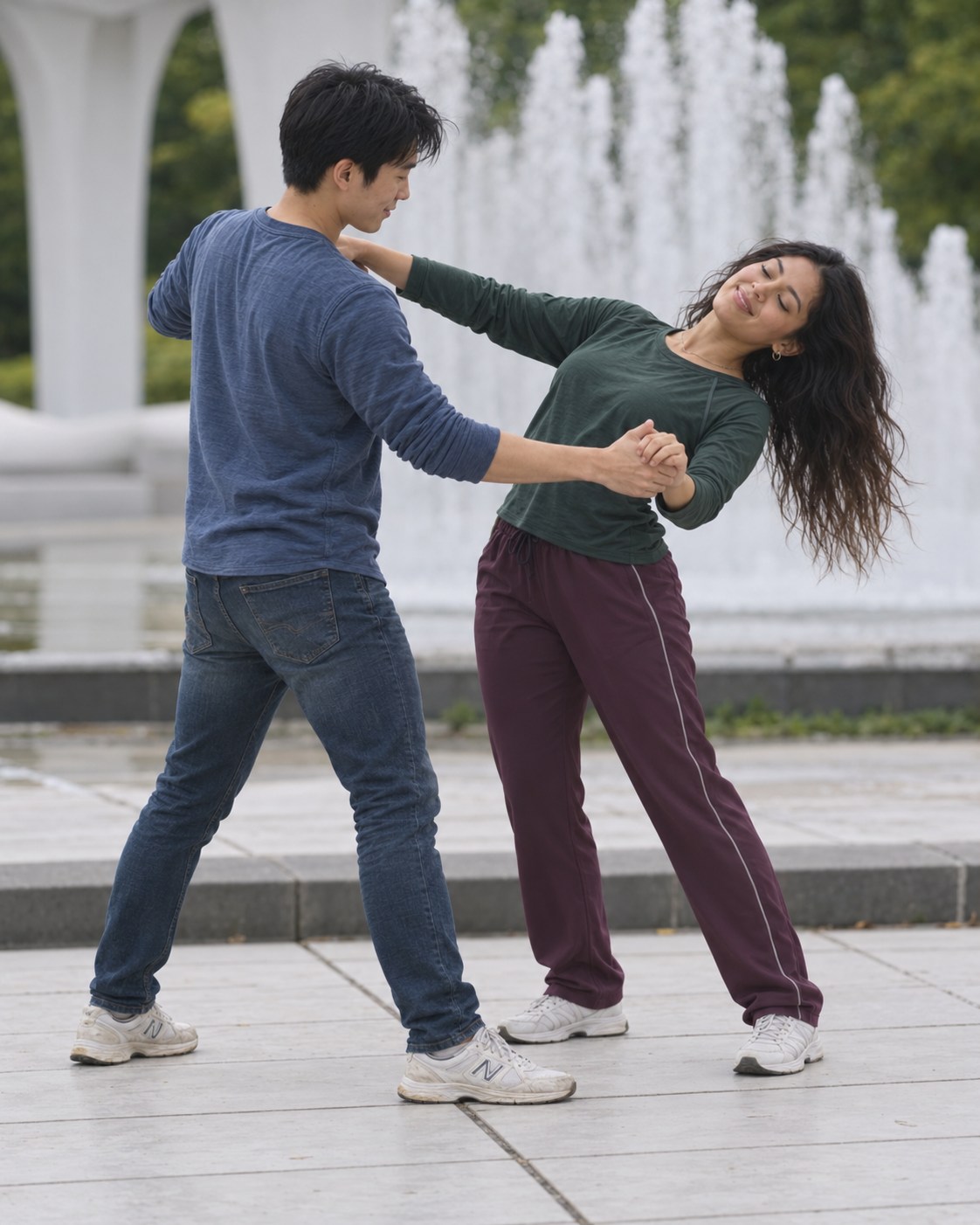
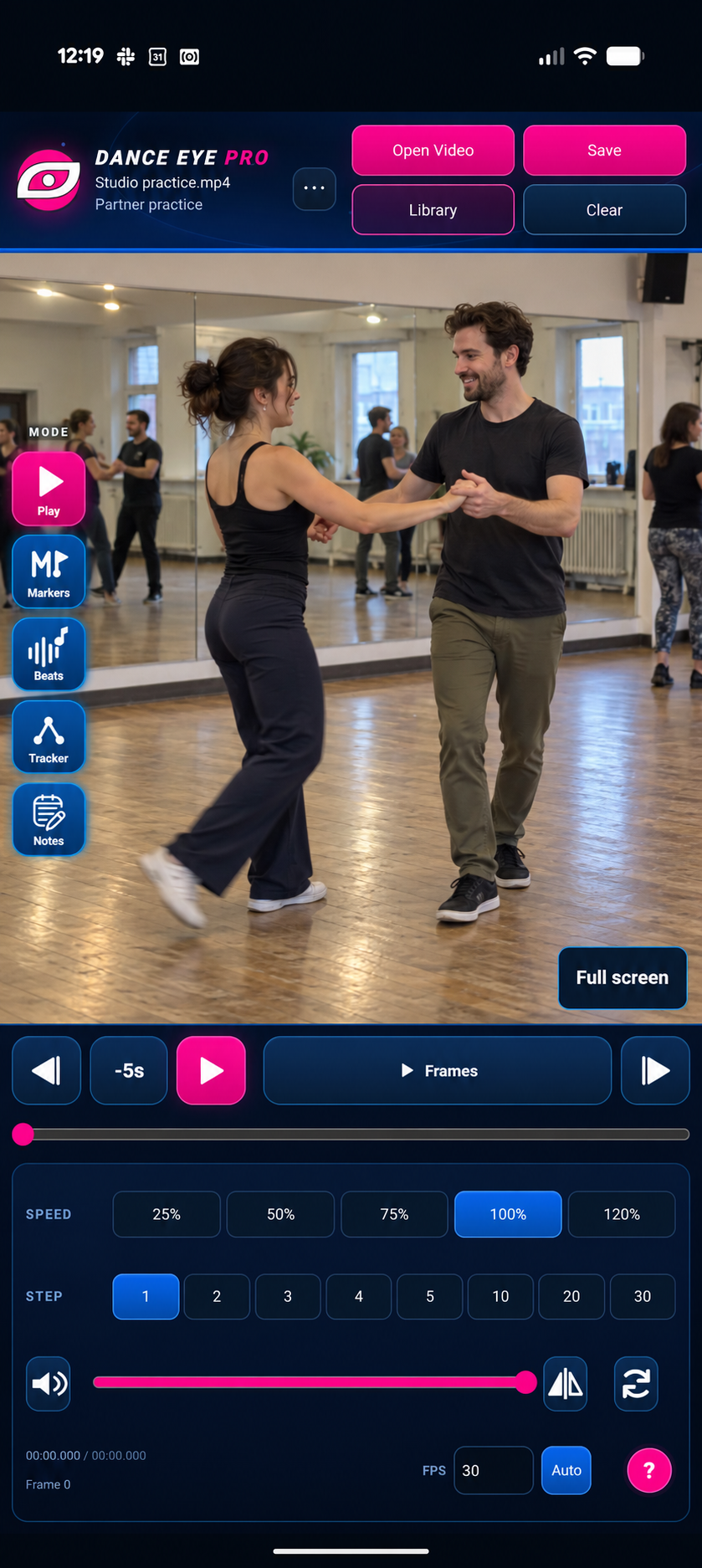
PLAY

Learn at your own pace.
- Slow down to study the detail.
- Scrub to the exact moment.
- Step or play frame by frame, or jump back 5 seconds.
- Zoom in for a closer look.
- Flip mirrored clips or rotate sideways footage.
 DANCE EYE PRO
For dancers, teachers & the dance community
Analyze your dance videos. Save your notes, counts and markings. Pick up where you left off.
Turn saved clips, class videos and your own choreography into a practice file you can slow down, mark up, save and share.
Built for Windows, Android, iPhone and iPad.
See it in action NEW
Watch the quick tour that now plays the first time you open the Android app. You can watch it again any time from the app’s menu under How to use.
Less searching. More dancing.
One tricky transition. Eight counts in a long video. Footwork that flies past.
Basic playback can leave you rewinding and guessing. Slow down, scrub precisely, loop your section and see the count with Dance Eye Pro.
Spend less time finding the moment. More time building your skills.
Your practice, with more possibility
Tools for clearer movement, stronger musicality and more confident practice.
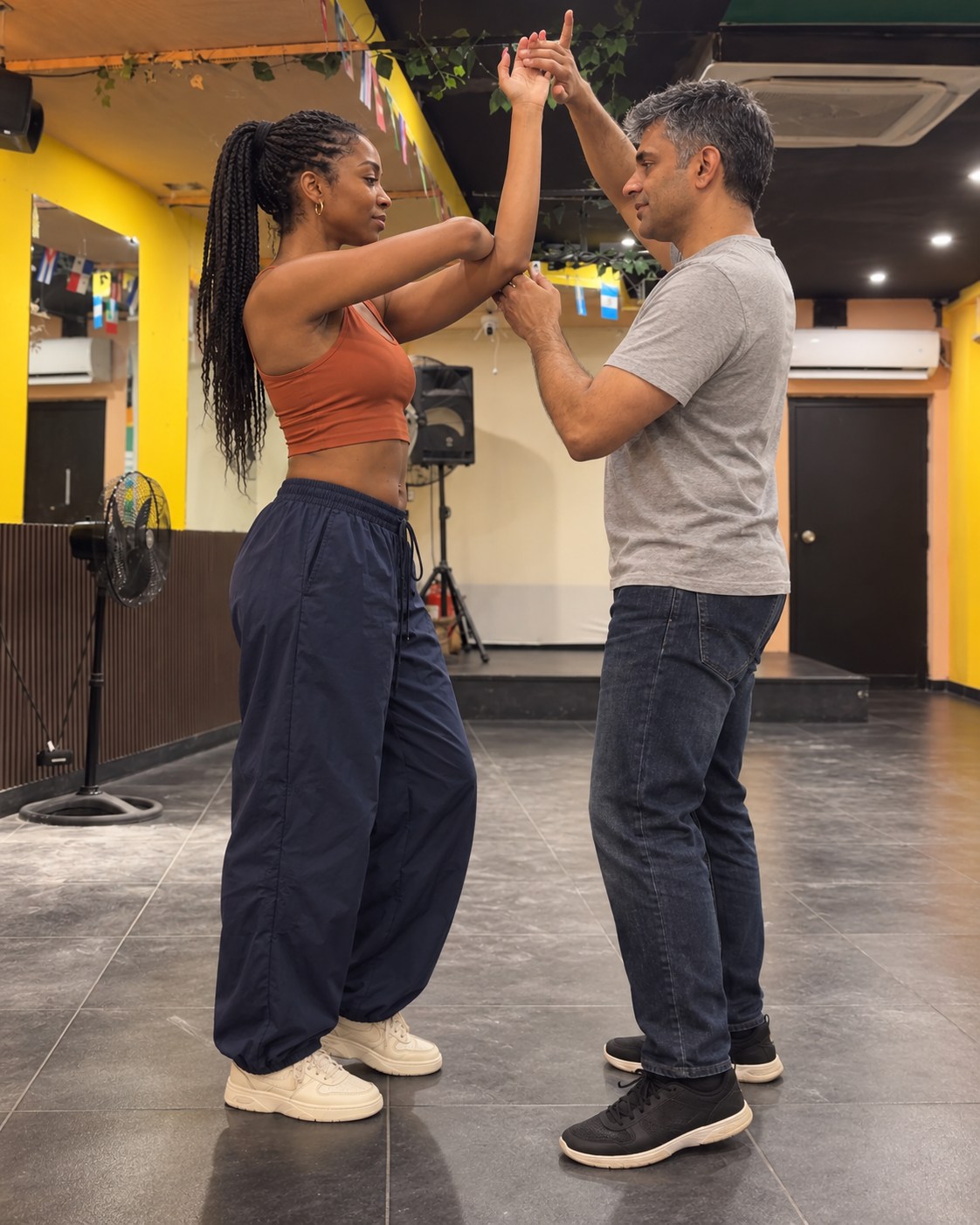
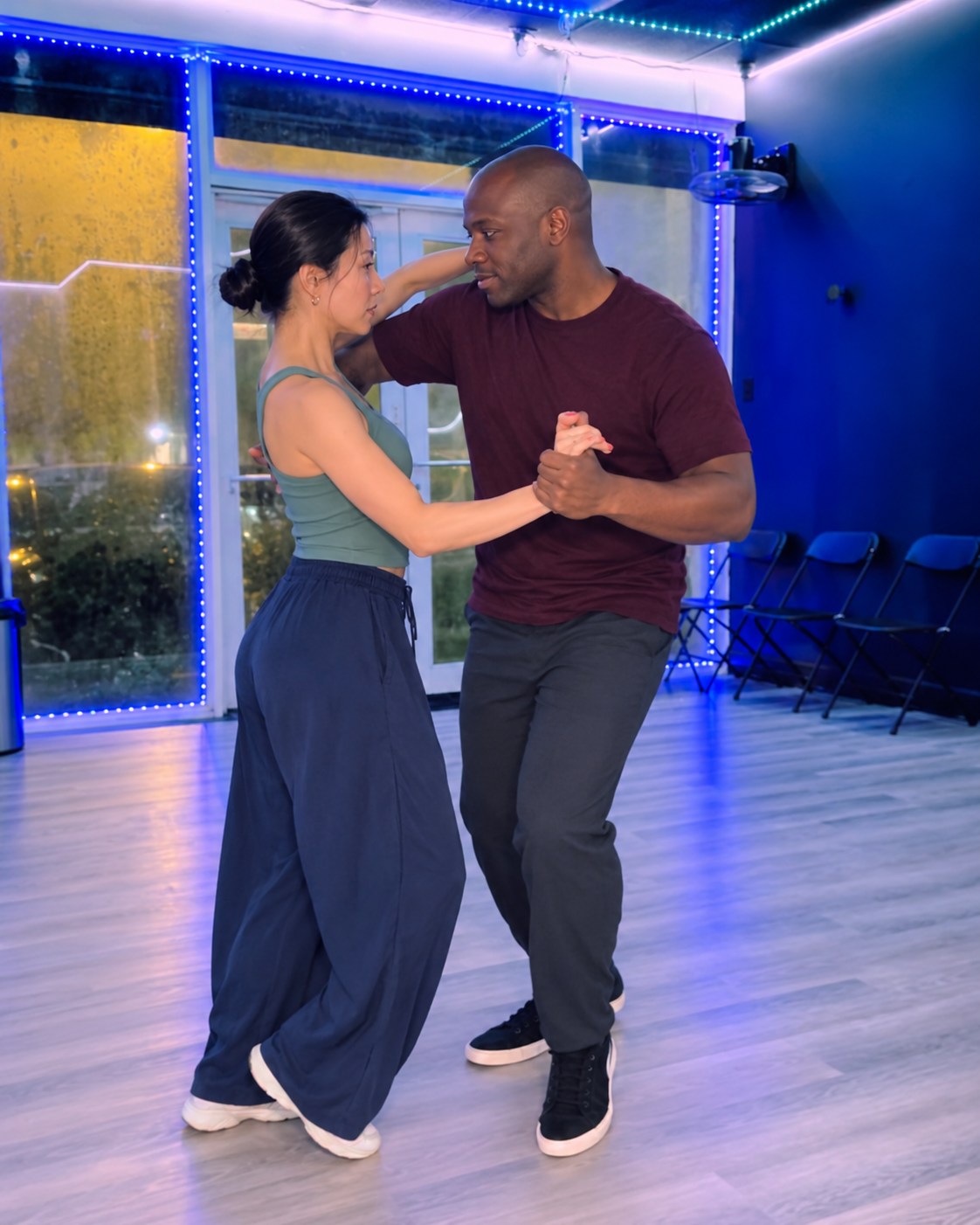
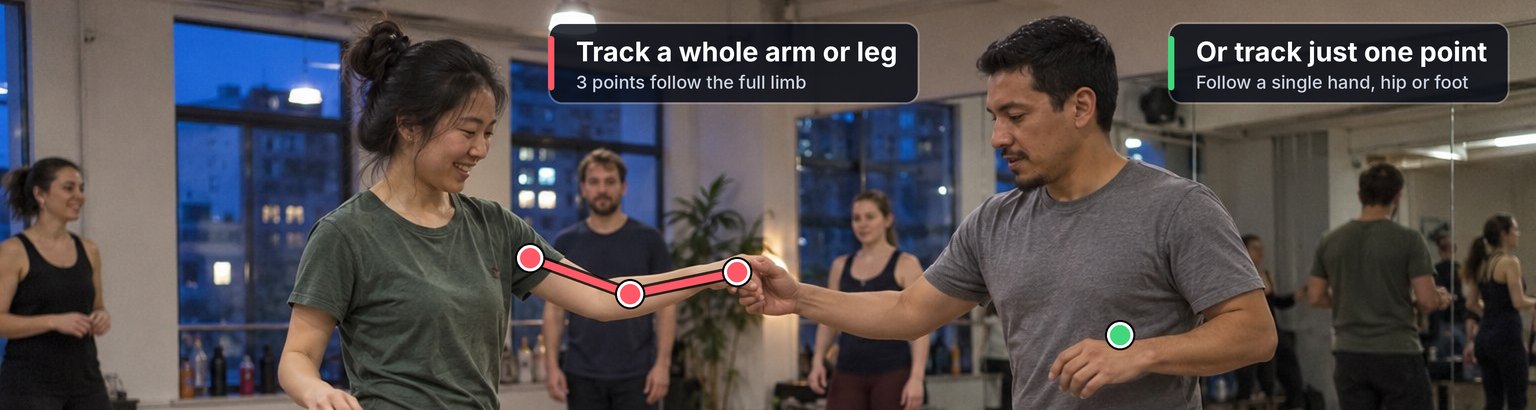
Study the hand path, foot placement, arm pathway or leg action that’s hard to catch at full speed.
Use one point to follow a hand or foot, or three points to trace a whole arm or leg. Set points on a few frames and the track moves smoothly between them, helping you follow the movement and show students exactly what to notice.
Manual tracking: you choose the points and the movement.
Help your partner or students see what you see. Keep the learning going between classes.
Great for teachers and learners.
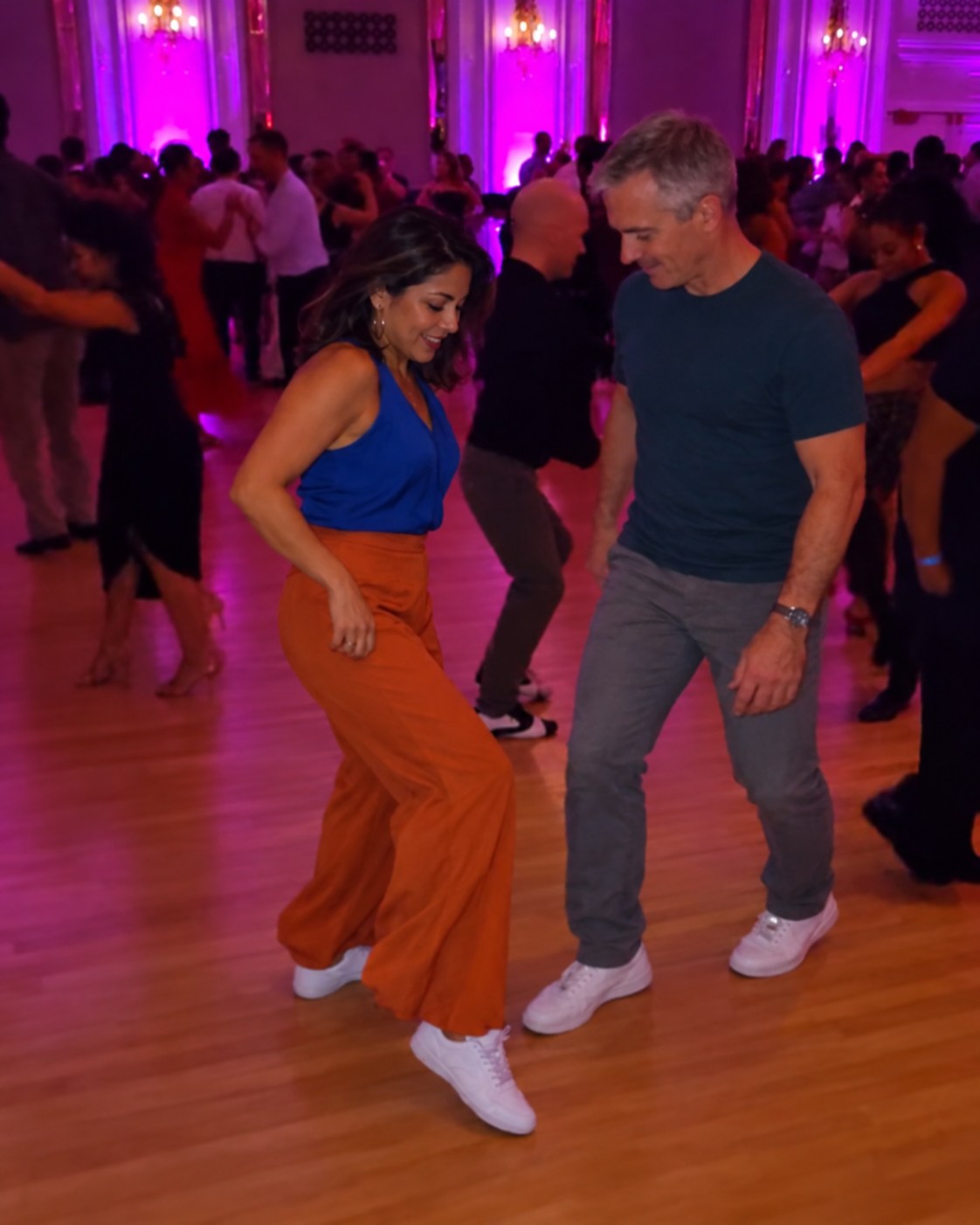
This is a great opportunity for more styling!
Overlay notes to explain a correction, highlight connection or suggest styling. Keep your reminders, or break down a movement for students.
Name projects in your Library and find them by thumbnail. Reopen one any time and every beat, note, marker and tracking point is still there on the video.
Share a ZIP containing the video and project. Other Dance Eye Pro users open it with all your notes, counts, markers and tracking still on the video.
Cloud folders and apps you choose for sharing operate under their own privacy policies. Read the privacy details.
Coming to your practice space
Planned Canadian price: CAD $10 per store purchase. Final prices and any taxes will be shown at checkout. Android, Apple and Windows purchases will be separate.
The planned Apple release will support both iPhone and iPad with one purchase on the same Apple account.
Want to help test the Android app, or need help with a test build? Contact support.


